Friday, February 27, 2015
How to See How Many Email Followers You Have and Who They Are Giveaway Announcement!
So the past two weeks I got mixed up and ended up missing two technology Tuesday posts in a row. Im so sorry! Im back today though... with a new Tech Tuesday post and a giveaway announcement!
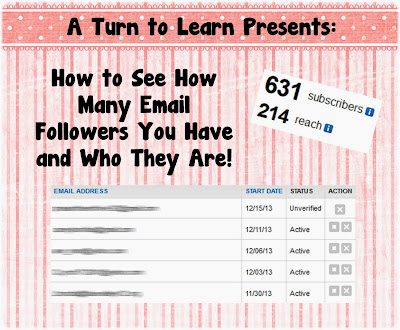
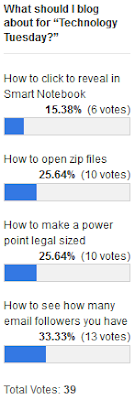
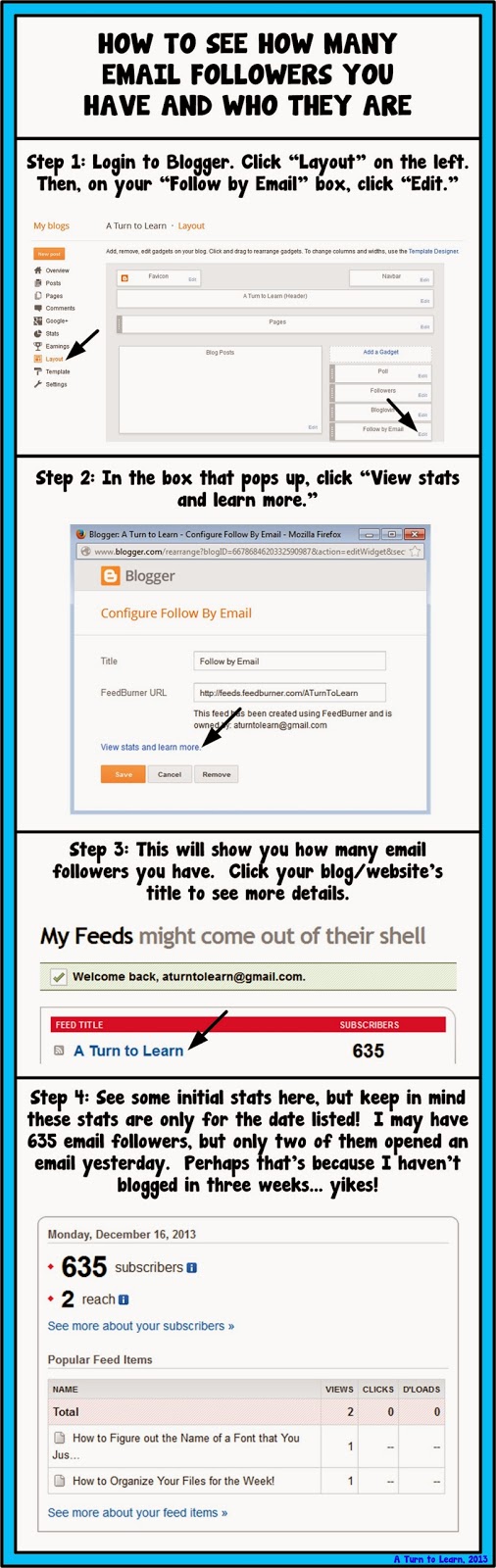
First things first, here is the tutorial. The winner on the poll this week was another blogger tutorial... how to see how many email followers you have and see who they are!
Here is the poll:
Now onto the tutorial!


For next weeks poll, Ill be adding the option to change the colors, features or special effects of a shape, picture, or text box in PowerPoint... even if those shapes/pictures are on different slides!
Now... for the giveaway announcement!!! For all of my lovely followers, check back in tomorrow to see some new products and a chance to win them all!
Read more »
First things first, here is the tutorial. The winner on the poll this week was another blogger tutorial... how to see how many email followers you have and see who they are!
Here is the poll:
Now onto the tutorial!
You can download this tutorial as a PDF by clicking this picture!
Note: This tutorial is hosted on Google Drive. To save it from there, just open the file and click File > Download to save onto your computer!
For next weeks poll, Ill be adding the option to change the colors, features or special effects of a shape, picture, or text box in PowerPoint... even if those shapes/pictures are on different slides!
Now... for the giveaway announcement!!! For all of my lovely followers, check back in tomorrow to see some new products and a chance to win them all!

Sunday, February 15, 2015
Flat iPad 5 iPad Mini PSD
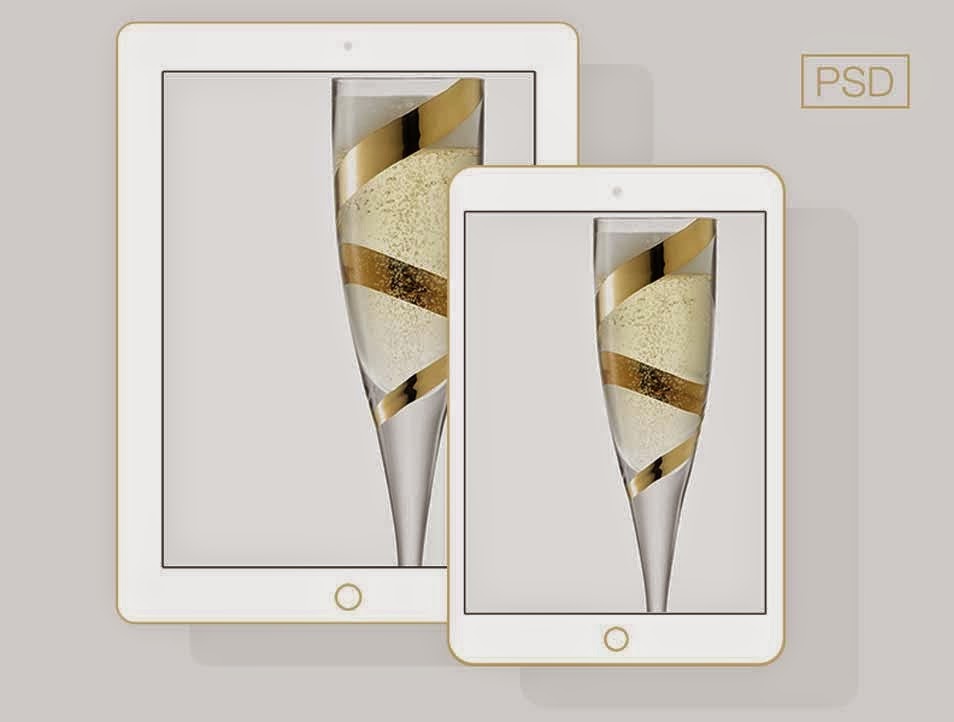
Free Download Flat iPad 5 & iPad Mini PSD. Flat iPad Champagne color. Enjoy!
Type : PSD
Category : Mockups
License : Free
Author : Dribbble
Download
HandyTools Bat to Exe Converter
Hey Guys,
Check-out this latest find that I got, a .bat to .exe converter! Check it out in this link
http://www.f2ko.de/programs.php?lang=en&pid=b2e
Ill post a simple tutorial on how to use it later!
Read more »
Check-out this latest find that I got, a .bat to .exe converter! Check it out in this link
http://www.f2ko.de/programs.php?lang=en&pid=b2e
Ill post a simple tutorial on how to use it later!
Free Business Card Template
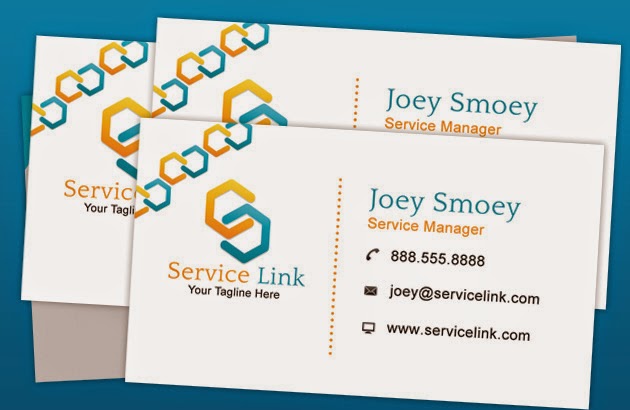
Free Download Business Card Template PSD. Anyway here is a free Photoshop file of a print ready business card template. Enjoy!
Type : PSD
Category : Cards
License : Free
Author : Psdstyle
Download
Best Ways to Deal with Bad Links
Bad links are something that is going to damage your websites SEO. That is why it is a good idea to get rid of them. But, how do you do it? And, to what extent should these links be removed? Are all bad links so bad? Below you will find the answer to these questions and some top advice about how to get rid of bad links. There are four bad link varieties described in this article, but they are in no particular order.
Also Read: Best Way to Easily Find and Remove Broken Links from your Website or Blog
Also Read: The 5 Best Ways to Build Quality Backlinks for Your Website or Blog
What is SEO?
SEO stands for Search Engine Optimization, and it is a process that makes your website more search engine friendly. The search engines cannot read and comprehend what is on your website, they have to use clues in order to guess what the content is all about. Backlinks are used as clues, as are internal links. Backlinks are also used as a way of judging a website’s popularity.Bad link 1 - A backlink from a black-hat website
The most common version of this was the backlink that came from a link farm. This is a website that was built simply to upload content for the sake of adding a link to it. This is deemed as one of many type of black-hat website, and a link from here is bad news.How to deal with it
Try to have the backlink removed from the website. Do all that you can in order to remove the backlink? If you cannot, then copy your content and put in on a new URL. Then, remove the URL that the backlink points to. This breaks the link between your website and the black-hat website.
Bad link 2 - A backlink from black-hat methods
One of the most common ways this happens is when a spam bot places a link onto a number of comment sections. In many cases, the blog master will notice the spam and remove it.How to deal with it
If the blog master does not recognize or remove the spam link, then request that the spam link be moved. Some websites and blogs allow you to report spam, so you can simply report that it exists and the web master will remove it for you. Use a backlink checker to locate all of the backlinks that were spammed. If you cannot remove them all, then do as you did with bad link number one and discontinue the URL that they point towards.
Also Read: Tips on How to Have Better SEO Results with Link Building
Also Read: How to Find the Websites or Blogs that are Copying your Content?
Bad link 3 - An internal link that leads nowhere
This is known as a broken link, and they happen quite often for a number of reasons. They are not too bad in small numbers, but Google will start to penalize websites that have too many.How to deal with it
If you notice a lot of broken links, then you need to start being more meticulous when you start new pages, remove pages, and make updates to your website. Use a link checker to see how many of your internal links are broken. All you have to do is either fix the link so that it points to a working page, or remove the link if it no longer serves any purpose. The problem will then be resolved the next time that the search engines crawl your website.
Bad link 4 - An internal link that points to another URL that is not online
This happens quite a bit. It is where you link to another website page, but then the destination URL is deleted or the website goes offline, etc. Just link broken internal links, it does not matter if you only have a few of these. But, if you have lots, or if they happen on a regular occasions then Google may penalize you. It lowers your websites usability, which is one reason why you are penalized. Imagine if you have a list of products that you link to, and yet only 60% of the links work, it is going to be frustrating for your user (hence your website usability rating drops).Broken links that point to external websites are also a signature of a website that is selling backlinks or that has been hacked, which is another reason why you may be penalized.
Also Read: The 3 Basic Things You Should Know Before Creating a Blog to Become a Successful Blogger
How to deal with it
When you use a tool to check your internal links, they often show you if your external links are broken too. Go to the website of the broken link to see if it is still online. They may have messed around with the URL, or deleted the page completely. If you cannot fix the link, then you should delete it from your website.
About Author:
The article is provided by Sonia Jackson. If you have any problems with your accounting homework she’s ready to help you.
Subscribe to:
Posts (Atom)